
Maximizing Live Performance Success with a Strategic Stage Plot Design
Updated: Dec 14, 2025
A well-designed stage plot can make or break your live performance. Whether you are a musician, audio engineer, or venue manager, having a clear, detailed stage plot helps everyone involved understand the setup, avoid confusion, and deliver a smooth show. You might think a stage plot is just a simple sketch, but it’s much more than that. It’s a communication tool that connects the band, sound crew, and venue staff, ensuring your performance runs without a hitch.

Why a Stage Plot Matters for Your Live Show
When you arrive at a venue, time is limited, and stress levels are high. A clear stage plot saves time by showing exactly where each instrument, microphone, and monitor should go. This prevents last-minute scrambling and miscommunication. For example, a band with multiple vocalists and instruments can avoid tangled cables and misplaced gear by sharing a precise stage plot ahead of time.
A good stage plot also helps the sound engineer set up monitors and speakers correctly. If the engineer knows where the drummer sits and where the guitar amps are placed, they can adjust sound levels more efficiently. This leads to better sound quality on stage and for the audience.
Venues benefit too. They can prepare the stage with the right power outlets and space, avoiding surprises during load-in. This is especially important for complex setups or when using mobile production tools that require specific connections.
Elements of an Effective Stage Plot
A stage plot should be clear, simple, and include all necessary details. Here are key elements to include:
Instrument placement: Show where each instrument and amplifier will be on stage.
Microphone locations: Mark all vocal and instrument mics.
Monitor wedges: Indicate where each monitor speaker should be placed.
Power sources: Note where power outlets or extension cords are needed.
Band member names: Label each position with the musician’s name.
Special equipment: Include any unique gear like keyboards, drum triggers, or effects pedals.
Using mobile production tools and applications can help you create and share professional stage plots quickly. Many apps allow you to drag and drop icons representing instruments and equipment, making it easy to update your plot as your setup changes.
How to Use Mobile Production Tools for Stage Plots
Mobile production tools have transformed how bands and crews prepare for shows. Instead of drawing a stage plot by hand, you can use applications on your phone or tablet to create detailed, editable diagrams. These tools often include libraries of icons for instruments, microphones, and speakers.
For example, you can use an app to:
Build a stage plot during rehearsals and share it instantly with your team.
Adjust the layout based on venue size or stage shape.
Export the plot as a PDF or image to send to the venue or sound engineer.
This flexibility means you can adapt quickly if a venue has limited space or if your band lineup changes. Being a stageplot guru means mastering these tools to communicate your needs clearly and professionally.
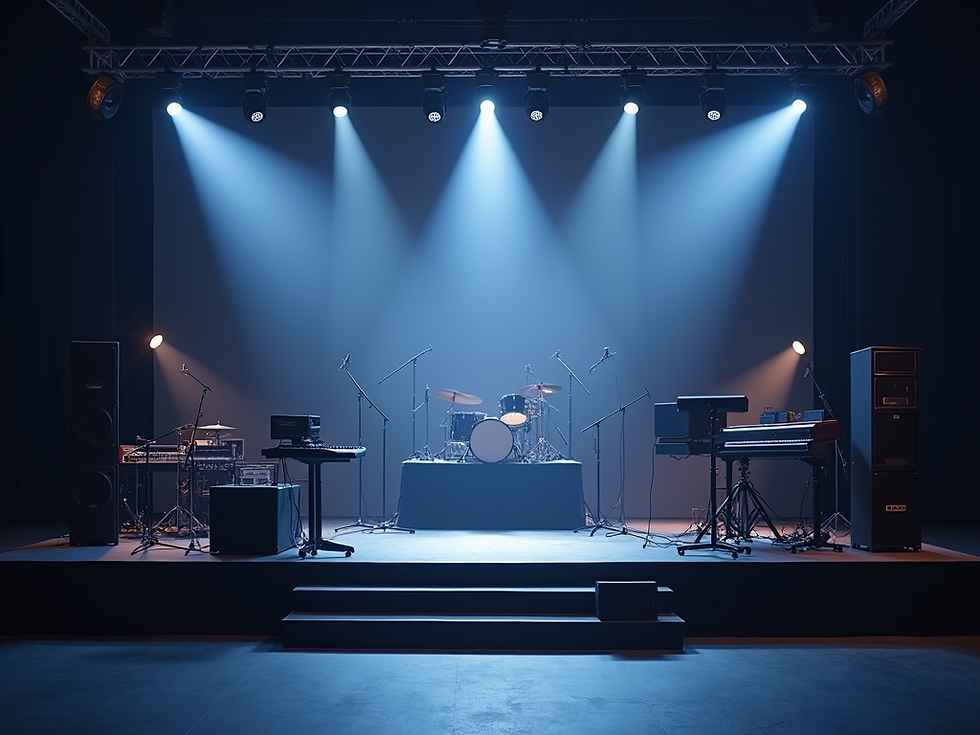
Real-Life Examples of Stage Plot Impact
Consider a five-piece rock band preparing for a festival. Without a stage plot, the sound crew might place monitors incorrectly, causing feedback or poor sound for the musicians. The band could waste precious soundcheck time fixing these issues.
With a well-designed stage plot, the crew knows exactly where to position each monitor and speaker. The drummer gets the right mix, the lead singer hears their vocals clearly, and the guitarists avoid feedback. The result is a tight soundcheck and a confident performance.
Another example is a solo artist using mobile production tools to create a stage plot that includes a loop station, keyboard, and microphone. Sharing this plot with the venue ahead of time ensures the stage is set up with the right power and space, avoiding delays during load-in.
Tips for Creating Your Best Stage Plot
Keep it simple: Use clear symbols and labels. Avoid clutter.
Be accurate: Measure your gear and stage space to scale.
Update regularly: Reflect any changes in your setup or band members.
Share early: Send your stage plot to the venue and sound engineer well before the show.
Use StagePlot Guru- Use a purpose driven application, such as StagePlot Guru to provide consistent production ready functionality.
By following these tips, you’ll reduce stress on show day and improve communication with your team.


Comments